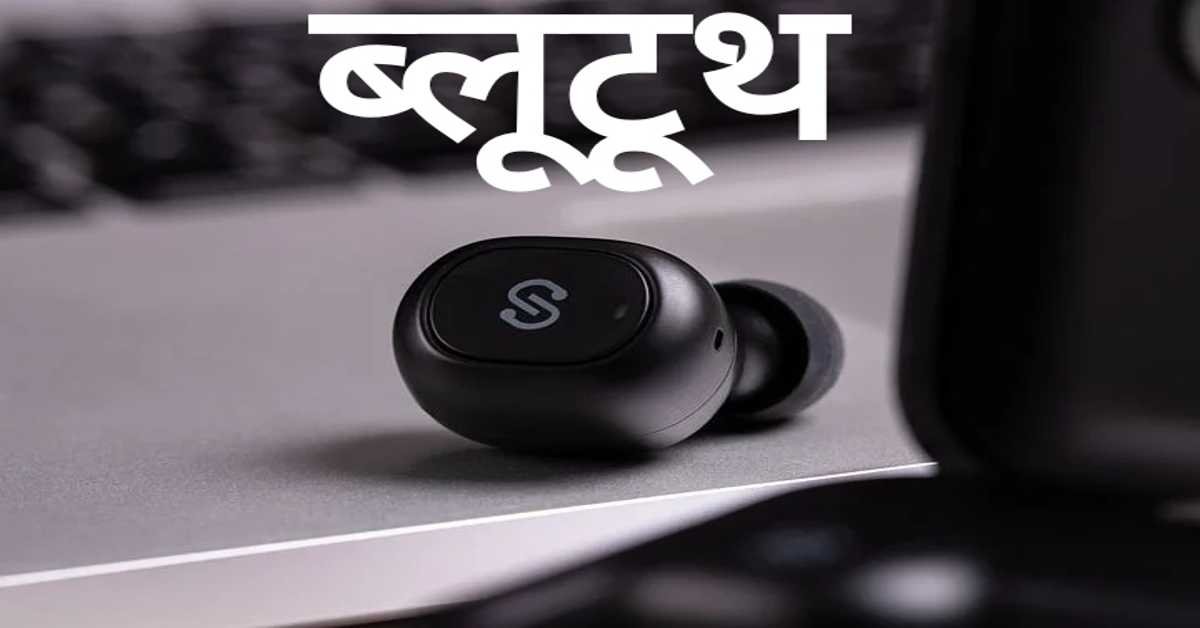
ब्लूटूथ का स्थानान्तरण–
आजकल अधिकांश लैपटाप में ब्लूटूथ होता हैं। जिस लैपटाप या कम्प्यूटर में ब्लूटूथ नहीं होता है। तो उसकी प्रकार्यात्मकता को बढ़ाने के लिए ब्लूटूथ डांगल का प्रयोग कर सकते हैं।
Bluetooth Transfer–
Nowadays most of the laptops have bluetooth. Laptops or computers that do not have Bluetooth. So you can use bluetooth dongle to increase its functionality.
ब्लूटूथ स्थापित करना
Installing Bluetooth
अगर एक बार ड्राइवर्स इन्स्टाल हो गया। तो एक ब्लूटूथ नोटिफिकेशन आइकन (ब्लू आइकन) यू एस बी पोर्ट में ब्लूटूथ डांगल को इन्सर्ट करें। आपके सिस्टम ट्रे पर दिखायी देगा। सेटिंग्स तक पहुँचने के लिए इस पर दावाँ क्लिक करें। (यह आपके ब्लूटूथ डांगल के साथ भिन्न हो सकता है। या बदल सकता है।) यह आपके आपरेटिंग सिस्टम द्वारा खोज लिया जायेगा तथा प्रयोग के लिए तैयार हो जायेगा। किसी कारण से अगर यह केवल नया हार्डवेयर को ही खोज पाता है। तो इसके लिए आपको ड्राइवर्स को इन्स्टाल करने की आवश्यकता होती है। जो आपके ब्लूटूथ डांगल के साथ आया (सीडी चलायें जिसे आप यू एस बी डांगल आटोप्ले के लिए पाये होंगे) मोबाइल उपकरण पर ब्लूटूथ को चालू करें यह सुनिश्चित कर लें। कि आप डिस्कवरी ऑन को घुमाया है कि नहीं। (यह दूसरों को आपका कम्प्यूटर देखने की सुविधा प्रदान करता है।)
If drivers are installed once. Then a bluetooth notification icon (blue icon) insert the bluetooth dongle into the usb port. will appear on your system tray. Click on it to access the settings. (This may vary or change with your Bluetooth dongle.) It will be detected by your operating system and ready to use. If for some reason it can only detect new hardware. So for this you need to install drivers. Make sure to turn on Bluetooth on the mobile device that came with your Bluetooth dongle (play the CD you'll find for USB dongle autoplay). Whether you have turned Discovery On or not. (It lets others see your computer.)
यदि यह एक बार सेट हो गया और आप इस युक्ति को खोजते हैं तो उनको किसी पासकी द्वारा जोड़ दें। (यह 1 2 3 4 जैसा कुछ भी हो सकता है।) और आपका काम हो गया। आप लैपटाप से सेलफोन मेमोरी कार्ड की डाइरेक्टरी को खोल सकते हैं और डाटा आदान-प्रदान साधारण प्रेषण द्वारा तथा कमाण्ड प्राप्त कर सकते हैं। यह धीमा हो सकता है क्योंकि ब्लूटूथ को धीमा स्थानांतरण विधि के रूप में जाना जाता है।
If it is set once and you find this device add them with a passkey. (It can be anything like 1 2 3 4.) And you're done. You can open the directory of the cellphone memory card from the laptop and exchange data by simple send and receive commands. This may be slow because Bluetooth is known to be a slow transfer method.
आशा है, उपरोक्त जानकारी परीक्षार्थियों के लिए ज्ञानवर्धक एवं परीक्षापयोगी होगी।
धन्यवाद।
B B Patle
edubirbal.com
टिप्पणियाँ (0)
अपनी टिप्पणी दें
इस लेख पर अभी तक कोई टिप्पणी नहीं है। सबसे पहले टिप्पणी करके चर्चा शुरू करें!